WhatsApp Business API for Customer Support Teams: What Actually Works
Your support team answers the same order question five times a day on personal WhatsApp. It works until three agents share one number, replies overlap, and no one knows who handled what.
This article covers what the official WhatsApp Business API actually changes for support teams, which features earn their keep, what setup demands, and how to pick a platform partner. By the end, you will know whether your team is ready to move and what to measure once you do.
Why the WhatsApp Business API Beats the Standard App for Support
The standard WhatsApp Business app works for solopreneurs, but it collapses under the weight of a real support operation. Its design assumes one person, one phone, and one conversation at a time.
Once a team grows, the cracks show. There is no shared inbox, no role-based access, and no way for several agents to answer from the same number without passing a handset around. Automation is limited to basic greetings and away messages. For related context, see our guide to Pros and Cons of Being a Physical Therapist.
The WhatsApp Business API, by contrast, is built for scale. It connects to a WhatsApp Business Account (WABA) through Meta's Cloud API or an on-premises API hosted by a Business Solution Provider (BSP). That setup supports multiple agents, programmatic replies, and integrations with help desk software.
The sections below cover what actually changes in daily operations, from device limits to message templates and the 24-hour customer service window.
What Changes When You Move to the Official API
Migrating to the official API means moving from a single phone to a programmable infrastructure that supports multiple agents, automation, and deep integrations. The shift is operational, not cosmetic.
Device access is the first change. The consumer-style app ties a number to one handset. The API decouples the number from any device, so an entire support team can work from one WhatsApp Business Account at the same time.
Replies become programmable. Instead of typing every response, teams configure automated flows triggered by inbound messages. A webhook and callback URL push incoming events to your systems, and your software decides what to send back.
Messaging itself splits into two categories:
- Session messages, sent freely within the 24-hour customer service window that opens when a user messages you
- Template messages, used outside that window and requiring template approval from Meta before they can be sent
Templates cover the notifications customers expect, such as order confirmations, shipping updates, and appointment reminders. Each template must be submitted and approved, which means planning message content in advance rather than improvising.
Rich formats also expand. Interactive messages include quick reply buttons, list messages, and call-to-action buttons. Media messages support image messaging, document sharing, voice notes, location sharing, and contact cards.
Visibility improves too. Delivery receipts, read receipts, and message status updates flow back through the same webhook, so agents can see whether an outbound message was sent, delivered, read, or failed.
Compliance work grows alongside capability. Teams must manage opt-in and opt-out properly, track user consent, and keep phone number registration details accurate. None of this is optional at scale, but it is what makes the API reliable for customer support rather than a single-person inbox.
The Support Features That Actually Move the Needle
Not every feature matters equally; the ones that transform support are those that reduce response time and increase resolution rate. The WhatsApp Business API offers a long list of capabilities, but only a handful directly change how fast a team responds and how often it closes a ticket on the first try.
Three areas stand out. A shared team inbox keeps every agent working from the same conversation view. Automation and smart routing handle repetitive questions and send each request to the right person. Message templates make it possible to send order updates and notifications that customers actually expect.
Together these features address the two metrics that matter most to support leaders: how quickly a customer gets an answer, and whether that answer resolves the problem. The sections below explain how each one works in practice.
Shared Team Inbox and Conversation Assignment
A shared inbox eliminates the chaos of forwarded messages and personal devices by giving every agent a unified view of all conversations. Messages from WhatsApp, Facebook, Instagram, and web chat land in one queue instead of scattered apps. Nothing depends on who happens to hold a particular phone.
Assignment rules determine who picks up each conversation. Common approaches include:
- Round-robin: conversations rotate evenly across available agents.
- Manual assignment: a supervisor or agent claims a conversation from the queue.
- Skill-based routing: the system matches the request to an agent with the right expertise.
Handoff protocols matter just as much. Consider a customer who messages on WhatsApp about a billing error. The conversation routes to the billing team, and when the issue needs approval, an agent transfers it to a supervisor. Because the full history travels with the conversation, the customer never repeats the story.
Two smaller features prevent daily friction. Internal notes let agents leave context for colleagues without the customer seeing it. Collision detection warns an agent when someone else is already typing a reply, so two people do not answer the same message.
Automation, Chatbots, and Smart Routing
Automation handles the repetitive 80% of queries so your human agents can focus on the complex 20% that actually requires empathy and judgment. A well-built chatbot answers the questions that arrive every day and never needs a break.
Typical chatbot use cases include:
- Answering FAQs about hours, policies, and returns.
- Order tracking that pulls status directly from your systems.
- Appointment booking and rescheduling.
Smart routing decides where a conversation goes next. Rules can trigger on keywords, customer history, or business hours. A message containing the word "refund" can skip general support and land with the billing team, while an after-hours message can route to an overnight queue.
Interactive messages keep these flows simple for the customer. Quick reply buttons offer a few clear choices, list messages present a scrollable menu of options, and call-to-action buttons point to a website or phone number.
A practical flow looks like this: a user asks "Where is my order?" The bot recognizes the intent, replies with a utility template, and includes a tracking link. If the customer then asks something the bot cannot handle, the conversation routes to a human with the context already attached.
Templates, Order Updates, and Bulk Notifications
Message templates are the only way to send business-initiated messages outside the 24-hour window, and they are essential for order updates and notifications. Meta reviews each template before it can be used, which keeps quality high across the platform.
Templates fall into three categories:
- Authentication: one-time passcodes and login verification.
- Utility: order confirmations, shipping updates, and payment reminders tied to a specific transaction.
- Marketing: promotions and re-engagement messages, which require clear opt-in.
The approval process rewards clarity. Templates with specific, transactional wording tend to move through review faster than vague promotional copy. Once approved, a template can be reused across many customers.
Opt-in requirements are not optional. Customers must agree to receive messages, and every send should include a clear way to opt out. Respecting those boundaries is the difference between useful notifications and spam complaints.
One practical tip: personalize templates with variables such as the customer's name and order number. A shipping update that says "Hi Priya, your order #4821 arrives Thursday" feels like service. The same message without variables feels like a broadcast.
What It Takes to Set Up Without Chaos
Setting up the API is not plug-and-play, but with the right steps, you can avoid the common pitfalls that delay launch. The process moves through a few distinct stages: business verification, phone number registration, and technical integration through a provider.
Each stage has its own requirements and its own potential bottlenecks. Preparation matters more than speed here, since rushing verification or reusing a number incorrectly can set a launch back by days.
Understanding the sequence before you start helps support teams plan around downtime and keep customer conversations running on existing channels in the meantime. The details below cover what each step actually involves and where teams typically get stuck.
Verification, Number Setup, and Integration Realities
The verification and number setup process involves Meta's business verification, a dedicated phone number, and a BSP to handle the technical heavy lifting. Each piece has to be completed in order, and skipping ahead usually creates rework.
Start with Facebook Business Manager verification. Meta reviews your legal business name, address, and supporting documents, and this step can take several days depending on how quickly documents are submitted and matched. Incomplete or mismatched records are the most common reason for delays.
Next comes the phone number. You need a number that is not currently active on another WhatsApp account, including the standard consumer app. If the number is already in use, it must be deleted from that account first, and migration requires care to avoid losing chat history or disrupting an existing line.
Then you connect through a Business Solution Provider. The BSP handles the Cloud API or on-premises API connection and links everything to your WhatsApp Business Account (WABA).
From there, configure your webhook and callback URL so inbound messages and status updates route correctly. This is what powers delivery receipts, read receipts, sent status, and failed message alerts. Without it, your team is working blind.
Common delays to plan for:
- Business verification taking days rather than hours
- Number migration issues when a line is already tied to WhatsApp
- Webhook misconfiguration that blocks inbound messages and status callbacks
- Template approval queues before any outbound messaging can begin
Before going live, test everything in a sandbox environment. Send inbound and outbound messages, trigger interactive messages like quick reply buttons, list messages, and call-to-action buttons, and confirm that media messages, document sharing, image messaging, voice notes, location sharing, and contact cards all render properly.
This dry run surfaces webhook problems and template issues while the stakes are low. It also lets agents practice within the 24-hour customer service window and confirm how session messages behave versus approved message templates.
Finally, make sure your opt-in and opt-out flows are wired up correctly before launch. Getting verification, number registration, and integration right the first time saves far more effort than fixing them after customers are already in the queue.
Choosing the Right Platform Partner
Your platform partner determines how smooth your API experience will be, from onboarding to ongoing support and pricing transparency. Before comparing tools, it helps to know what separates a strong Business Solution Provider from a weak one.
Four criteria matter most. First, official Meta partnership, since only a vetted BSP can provision your WhatsApp Business Account, handle phone number registration, and keep your connection compliant. Second, pricing model, because some providers mark up Meta's per-conversation rates while others pass them through at cost.
Third, support quality. When a message template gets rejected or a webhook stops firing, you need responsive human help, not a ticket queue. Fourth, feature set: template management, a shared inbox, bot building, and multi-channel coverage all shape day-to-day work for support teams.
Pricing structures vary widely across the market, so ask how session messages, template messages, and add-ons are billed before committing. The sections below evaluate Com.bot against each of these criteria.
What Com.bot Offers Support Teams
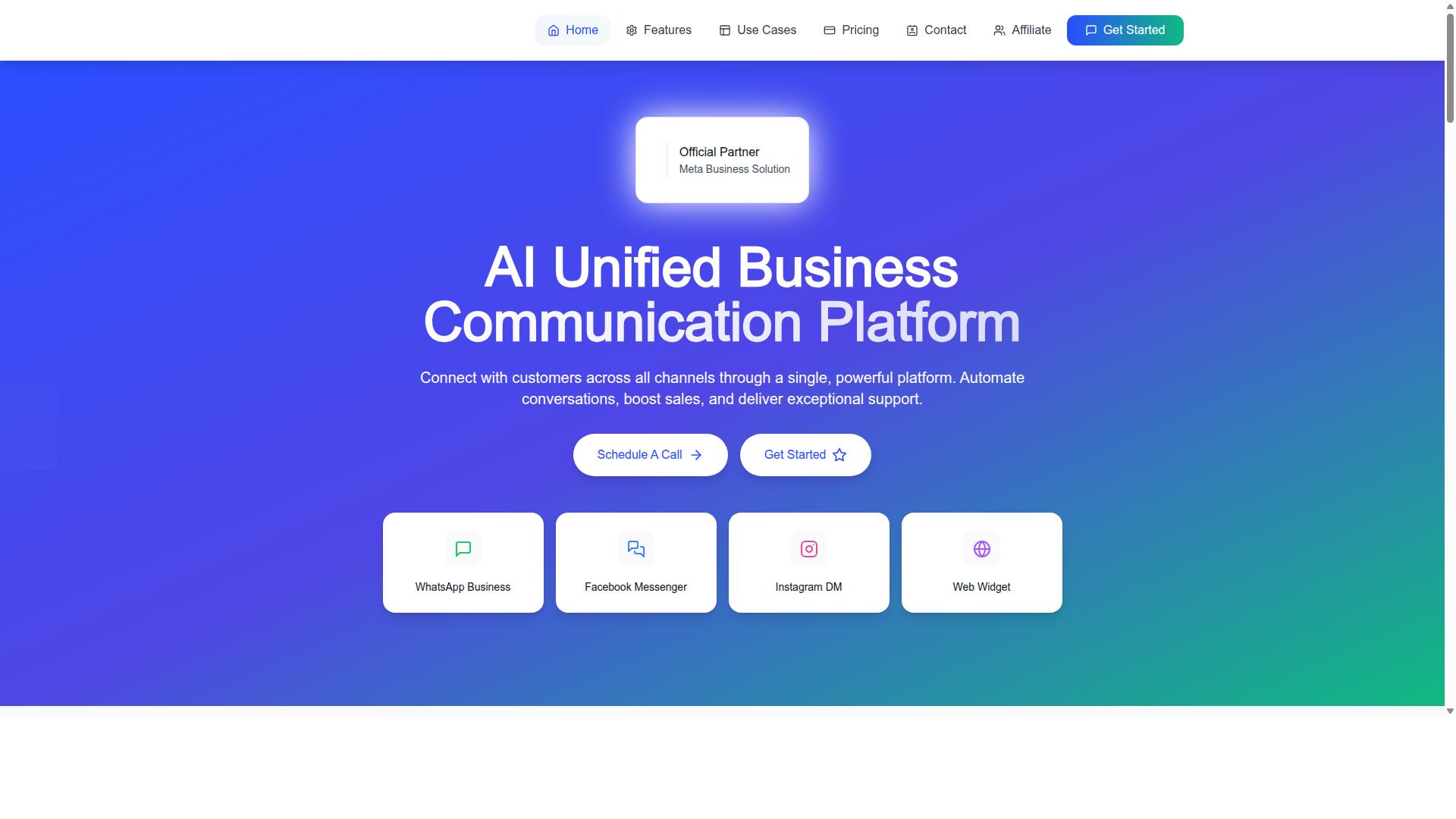
Com.bot is an AI Unified Business Communication Platform that connects WhatsApp, Facebook Messenger, Instagram DM, and web widget into a single workspace. For support teams, that means one place to handle inbound messages instead of juggling separate tabs.
The core offering is WhatsApp Business API integration paired with a Unified Team Inbox. Agents can collaborate with role-based access, so supervisors control who sees and answers what. A Visual Bot Builder with a drag-and-drop interface lets teams design smart chatbots without writing code. For related context, see our guide to Core Symptoms of Post-Traumatic Stress Disorder.
Beyond chat, Com.bot supports Native Payments for WhatsApp transactions, useful when a support conversation turns into a sale or a payment collection. Other capabilities include bulk messaging, order updates, notifications, an automation builder with 1000+ integrations, and external integration options.
Security matters when customer data flows through chat. Com.bot provides end-to-end encryption, an important baseline for enterprises handling sensitive conversations.
Scale is another signal. Com.bot serves 23,000+ active customers and processes 25M+ messages per day, which suggests the infrastructure holds up under real support volume. The platform also extends into related tools like Tickets.Bot for event ticketing and Calendars.Bot for AI appointment booking.
Pricing and Plan Fit for Growing Teams
Com.bot offers three straightforward plans: Silver at $149 per quarter, Gold at $349 per quarter (recommended), and Platinum V1 at $2500 per quarter, with add-ons for extra team members or channels. Matching a plan to your team size and message volume avoids overpaying early or outgrowing a tier quickly.
Silver suits small support teams testing the WhatsApp Business API for the first time. Gold, the recommended tier, fits growing businesses that need more capacity and features as conversation volume climbs. Platinum V1 targets enterprises with heavier compliance, scale, and integration demands.
Add-ons cost $10 per month for an additional team member, social channel, or external actions (per 5000). Bot triggers (per 25000) and an ecom store are also available as add-ons. WhatsApp messaging itself is billed at actual Meta rates with no markup, so you pay the same per-conversation price Meta charges.
For hands-on help, dedicated support runs $49 per hour for WABA, CRM, and Inbox work, and $99 per hour for Ecommerce, Bots, and Automations.
How should you choose? Estimate your monthly inbound and outbound message volume, count the agents who need inbox access, and decide whether you need payments or multi-channel support now or later. Com.bot serves customers across 50+ countries, with global availability and pricing in USD.
Metrics That Prove It's Working
To know if the API is delivering ROI, track metrics that directly impact customer experience and operational efficiency. Vanity numbers like total messages sent tell you little on their own. The metrics below connect WhatsApp activity to real support outcomes.
Start with first response time, the gap between an inbound message and your team's first reply. WhatsApp API timestamps both events, so you can measure it precisely. A common target is a first response under five minutes during business hours, since customers on messaging apps expect near-real-time replies.
Next, track resolution time, the span from first inbound message to a closed conversation. This shows whether agents are actually solving problems or just acknowledging them. Pair it with conversation volume to see how workload shifts over time.
Delivery and read receipts come directly from the API and form the backbone of message-level measurement:
- Message delivery rate: the share of outbound messages that reach the handset, visible through sent and delivered status webhooks.
- Read rate: the share of delivered messages the customer opens, tracked via read receipts.
- Failed messages: outbound messages that never deliver, often due to invalid numbers or template issues.
- Conversation volume: total inbound and outbound messages, split by session messages and template messages.
- Customer satisfaction (CSAT): post-conversation ratings collected through a quick reply or rating prompt.
Each metric maps to a different question. Delivery and read rates reveal whether messages are getting through and being seen. Volume shows demand patterns. CSAT tells you whether speed and resolution actually satisfied the customer.
A simple dashboard works better than scattered reports. Pull webhook data into one view showing first response time, resolution time, delivery rate, read rate, and CSAT side by side. Review it weekly, not just monthly, so problems surface before they compound.
Benchmarks should guide, not dictate. A first response under five minutes, a high delivery rate, and a steadily improving CSAT are reasonable targets for most support teams. When a metric slips, investigate the cause: a drop in read rate might point to template wording, while rising resolution time often signals a staffing or training gap.
Common Pitfalls and How to Avoid Them
Even with the API, support teams stumble into traps like template rejections, ignoring the 24-hour window, and poor opt-in management. These mistakes rarely announce themselves. They surface later as failed messages, falling quality ratings, or a phone number that Meta restricts without warning.
The good news is that most pitfalls trace back to a handful of process gaps. Fix the process, and the messaging layer tends to behave.
Sending promotional templates without opt-in. Marketing templates require explicit permission, and Meta reviews template categories closely. Teams that repurpose a support template for a promotion risk rejection and complaints. The fix is simple: keep promotional content separate, collect opt-in at a clear moment, and log consent per contact.
Exceeding the 24-hour customer service window. Session messages only work inside the window that opens when a user messages you. Once it closes, you must fall back to an approved template. Support teams that miss this end up with failed messages and confused customers.
Ignoring message quality ratings. Meta tracks how recipients respond to your messages. Blocks, reports, and low engagement push the rating down, and a poor rating can limit template throughput. Monitor the rating like a support metric, not an afterthought.
Failing to handle opt-outs promptly. When a user asks to stop, that request needs to take effect immediately across every send path. Delayed or partial opt-outs generate complaints and damage the quality score.
Consider a cautionary example. A support team sends a delivery update as a marketing template because the category looked close enough. Some recipients had never opted in. A few report the message, the quality rating drops, and template sending slows for everyone on the account. One mislabeled template, weeks of recovery.
To avoid these traps, apply a few consistent habits:
- Segment audiences so promotional sends never touch contacts without recorded opt-in.
- Use utility templates for transactional messages like order updates and appointment reminders.
- Track the quality rating alongside first response time and resolution rate.
- Offer a clear opt-out keyword and honor it across all outbound paths.
- Review template categories before submission, not after rejection.
None of this requires exotic tooling. It requires treating compliance and message hygiene as part of customer support, not as someone else's job. Teams that do this keep their number healthy and their customers willing to reply.
Is It Worth It for Your Support Team?
The decision hinges on whether your support volume and customer expectations justify the investment in the API and a platform like Com.bot. The WhatsApp Business API is not a casual upgrade from the free WhatsApp Business app. It is a paid, verified channel built for teams that need scale, multiple agents, and automation.
That distinction matters. If your support runs on one phone and a handful of chats a day, the API adds cost and setup work without much return. If your inbox is overflowing, the math shifts quickly.
What you gain. The API removes the limits that hold the consumer app back. Multiple agents can work from one WhatsApp Business Account (WABA), message templates let you reach customers outside the 24-hour customer service window, and webhooks push inbound messages and status updates into your helpdesk in real time.
- Scale: Many agents, one verified business number
- Automation: Quick reply buttons, list messages, and chatbots handle routine questions
- Reliability: Delivery receipts, read receipts, and failed message alerts keep quality visible
- Rich replies: Media messages, document sharing, voice notes, location sharing, and contact cards
What you trade off. The API brings real overhead. You need template approval before many outbound messages can go out, a proper opt-in process, and a Business Solution Provider (BSP) or direct Cloud API integration to run it.
On-premises API setups demand more infrastructure and maintenance than the Cloud API. Either path requires someone to own phone number registration, template management, and webhook configuration. None of this is free, and none of it runs itself.
A simple decision framework. Ask three questions about your support operation:
- Volume: Do you handle more than 500 conversations per month?
- Team size: Do multiple agents need to answer from the same number?
- Automation need: Do you want chatbots, template messages, or CRM-connected workflows?
If you answered yes to any of these, the API is likely worth it. If you answered no to all three, the free app probably still fits. The same logic applies to customer expectations, since buyers increasingly assume a fast, verified WhatsApp channel rather than a personal number.
Where Com.bot fits. Com.bot is a platform for teams that want the API's capabilities without building the plumbing in-house. It sits in the customer support stack alongside your helpdesk, handling the WhatsApp side of the conversation.
To talk through whether it suits your setup, you can reach the team directly. Contact sales@com.bot or call +91 080 6987 1810 for a consultation. WhatsApp support is also available.
Prefer to visit or send written enquiries? The head office is at 501, Trinity Orion, Vesu Main Road, Surat - 395010, IN. Business hours are Monday to Friday, 9:00 AM to 6:00 PM IST.
A short conversation is usually enough to tell whether your volume and workflows justify the move. If they do, the API turns WhatsApp from a bottleneck into a proper support channel.